Kopieren einer nicht kopiergeschützten Film DVD unter Mac OS X
Eigentlich ein simples Unterfangen.
Film-DVD einlegen, Audio_TS und Video_TS in einen Brenn-Ordner ziehen und DVD brennen.
Kopierte DVD in einen Standalone-Player legen und … nichts passiert.
Wieso?
In den Brenn-Ordner schleicht sich eine kleine Datei .DSstore ein.
Mit der kann der Player nichts anfangen. Wie vorgehen?
Programme -> Dienstprogramme -> Festplattendienstprogramm -> neues Image -> Typ: Master CD/DVD -> DVD einlegen Name des Image. Wenn das Image erstellt ist (imagename.cdr), DVD aus dem Laufwerk, Rohling ins DVD Laufwerk, Image brennen.
Das war’s.
Note To Myself: Taking Screenshots in Mac OS X
⌘-Shift-3 (Command-Shift-3): Take a picture of the entire screen and save as a file
⌘-Control-Shift-3 (Command-Control-Shift-3): Take a picture of the entire screen and copy to the clipboard
⌘-Shift-4 (Command-Shift-4): Take a picture of the dragged area and save as a file
⌘-Control-Shift-4 (Command-Control-Shift-4): Capture dragged area and copy to the clipboard
⌘-Shift-4 then Space bar (Command-Shift-4 then Space bar): Capture a window, menu, desktop icon, or the menu bar and save as a file
⌘-Control-Shift-4 then Space bar (Command-Control-Shift-4 then Space bar): Capture a window, menu, desktop icon, or the menu bar and copy to the clipboard
via MacDailyNews
Native Mac OS X OpenOffice Soon?
Now that I’ve installed NeoOffice it seems that there will be a native port.
Do You Like Mindmapping?
I really like this tool Freemind.
It’s Java, it’s free, it’s open, it’s based on XML and it’s smart.
You Got BlackBerry Enterprise Server And Domino 7? And Now?
Download the BlackBerry Java Development Environment, but don’t use it, except you like to torture yourself.
Download the Netbeans IDE and the Mobility Pack at netbeans.org.
Download kSOAP.
Read this: Blackberry Development Using NetBeans Mobility
Go on and write a Webservice in Domino 7. Write a J2ME Webservice client using kSOAP. Install the client on your BlackBerry device.
This setup works like a breeze.
java.lang.NoClassDefFoundError: com/ibm/db2j/tools/cview
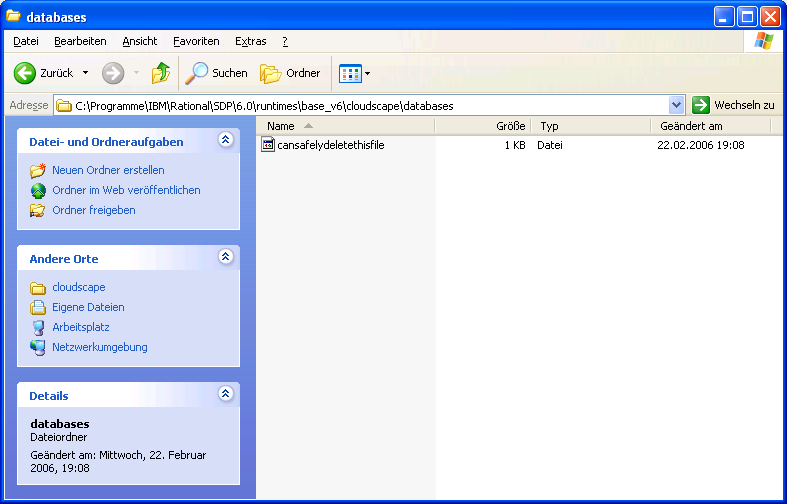
If you’re using the Websphere 5.0 UTE in the Rational Application Developer 6.0 and you want to create a cloudscape 5 database with the cview tool you may get a ‚java.lang.NoClassDefFoundError: com/ibm/db2j/tools/cview‘ – Error while starting cview.bat
To avoid this error search for a batch file called setupCmdLine.bat in the bin directory above. Open this file with an editor and add SET CLOUDSCAPE50_HOME=%WAS_HOME%\cloudscape50
under SET WAS_HOME=C:\Programme\IBM\Rational\SDP\6.0\runtimes\base_v5